Turn One Smartsheet Form Submission Into Multiple Sheet Rows
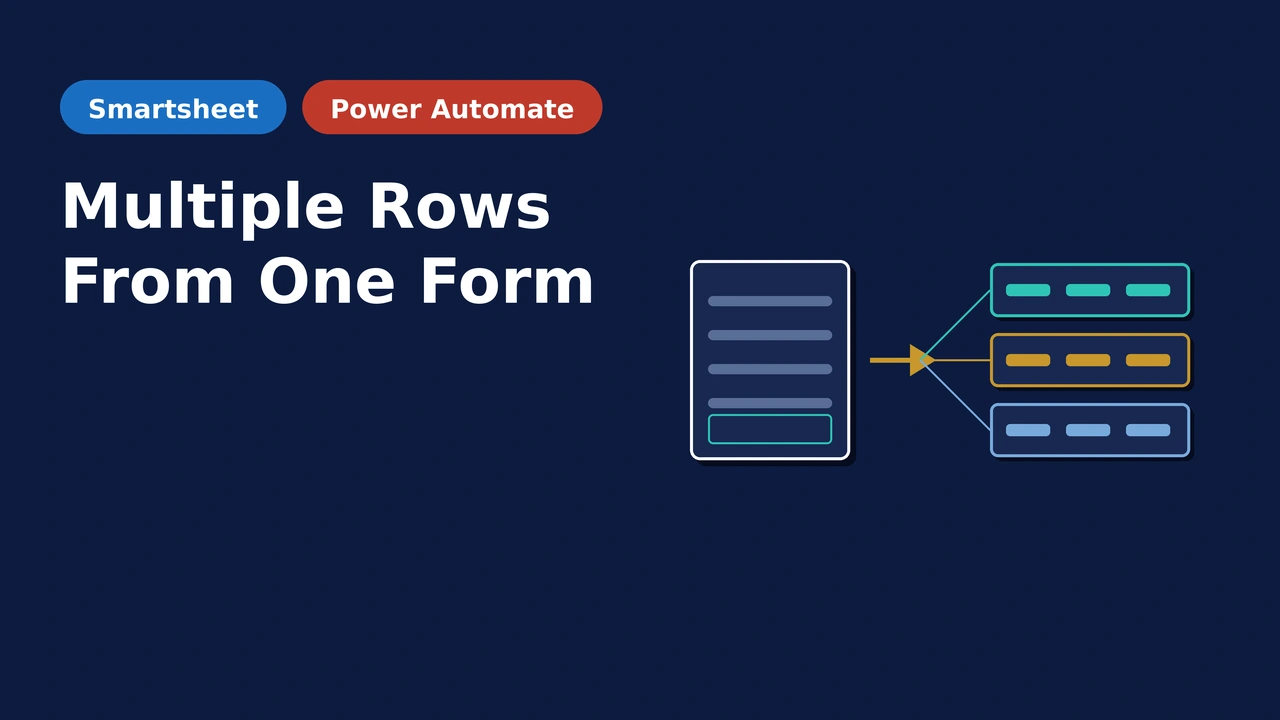
Smartsheet forms create one row per submission, but sometimes you want to create multiple Smartsheet rows when a form is submitted. Example, you may want to select multiple items from a multi select dropdown, then create 1 row per item. Using Power Automate, a row can be created in a sheet every item selected, while also copying any additional data from the from onto each row.
Why One Row Per Submission Doesn’t Cut It
A common use case is in new hire onboarding. HR submits one form per new employee and picks everything that new hire needs from a multi-select field, such as laptop, monitor, badge, and software licenses. While all those items are for 1 employee, there are multiple teams responsible for fulfilling the request. So it makes much more sense to have each of the required items be a row in Smartsheet so the responsible party(ies) can be assigned.
One Row Can’t Track a Dynamic Number of Task Owners
IT owns the laptop and software, while Facilities owns the badge and associated items. Add more items that require additional departments and A single row with a multi-select cell can’t be assigned to multiple different teams at once.
Accountability Lacking
You can’t assign a task owner to each item in a multi select dropdown cell. So, if you can create a row for each item, then a responsible owner can be assigned and accountability can be tracked item by item.
Someone Retypes Every Item
Without automation, a person opens every submission and manually copies each selected item into its own row or ticket. It works until volume goes up, and then it’s the first thing that falls behind.
How It Works
A Smartsheet form with a multi-select field is submitted and Power Automate adds a new row to a tracker sheet for every item selected. All shared submission details, such as the employee name, start date, etc and also placed onto each row. The owning team and responsible party(ies) can then be assigned in Smartsheet through automation, or manually if desired.
Common Questions
What Smartsheet plan is required?
Business or Enterprise. The solution uses the Smartsheet API, which requires API token generation. The Pro plan does not support API tokens.
Does this need a special form tool, or does a normal Smartsheet form work?
A native Smartsheet form works.
How many rows can one submission create?
As many as the number of items selected on that submission. Select one item and you get one row. Select seven and you get seven, each with the shared submission details carried over.
Can the individual rows be routed to different owners automatically?
Yes. This can be done in Smartsheet with a lookup table, automation, or using Power Automate.
How does implementation work?
Book a free 30-minute consult. We’ll review your form and target sheet to confirm this solution fits. We’ll then walk through what implementation looks like for your environment.
See It in Action
Ready to Create Multiple Rows with 1 Smartsheet Form Submission?
Book a free 30-minute consult. We’ll review your form and target sheet, confirm this solution fits, and walk through what implementation looks like for your environment.