Use Your Smartsheet Report Data in a Sheet
Smartsheet reports are great for viewing and filtering data across sheets, but you can’t run formulas on them or trigger automations from them. This solution copies your report data into a sheet automatically, so you can do all of those things.
Why Report Data Needs to Be in a Sheet
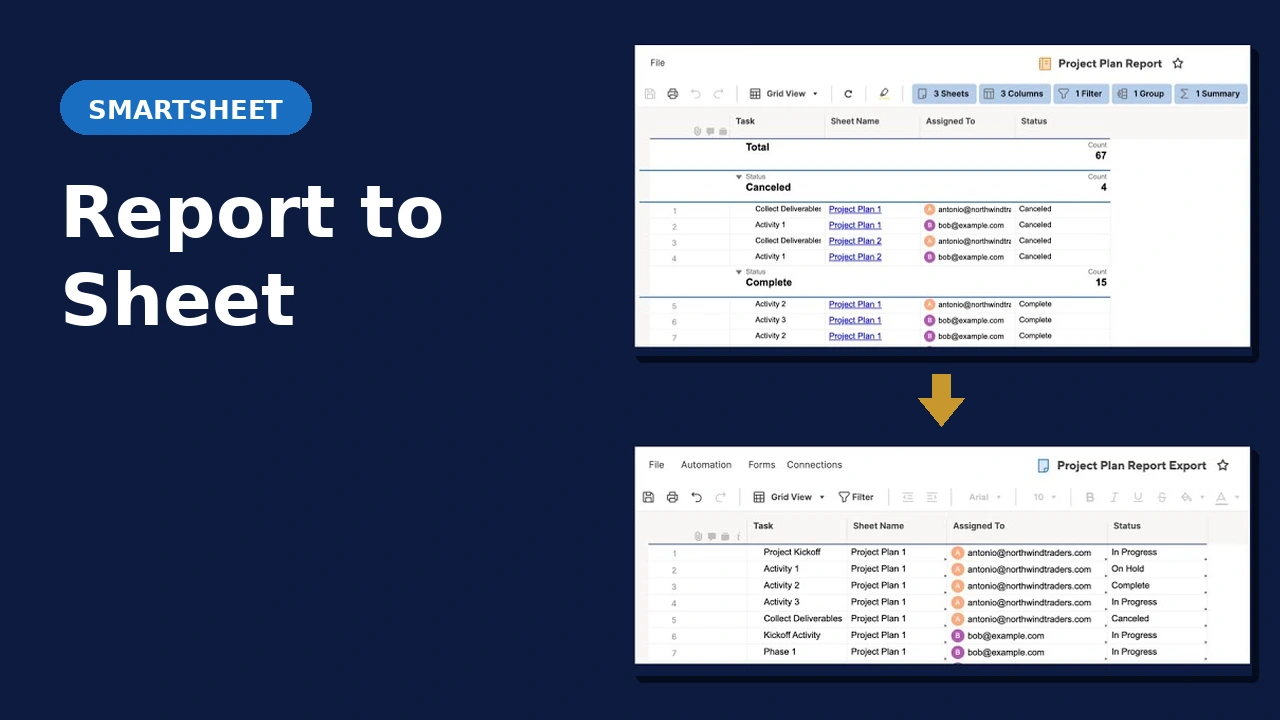
Reports aggregate and filter data, but the calculations are limited. When you need to do more with your data, you run into limitations. Using the Report to Sheet add-on for Smartsheet, you can send your report data to a sheet for calculation and other processes like triggering automations.
Formulas Don’t Work on Reports
You want to run a SUMIFS or COUNTIFS across data from multiple sheets. Your report has exactly that data, but you can’t write formulas if report, so you need your data in a sheet.
Share Report Data Without Exposing the Source Sheet(s)
A filtered report is great, but if you need to share the report, you need to share the source sheet(s) too. Using report to sheet, you can mirror the data in the report in a sheet, and share just that 1 sheet without exposing other sensitive data.
Automations Can’t Trigger From Reports
Smartsheet automations are sheet-based. Therefore, if your consolidated view lives in a report, you can’t trigger alerts, approvals, or update requests from it. The data needs to live in a sheet to trigger workflow automations.
Common Questions
What Smartsheet plan is required?
Business or Enterprise. The solution uses the Smartsheet API, which requires API token generation. The Pro plan does not support API tokens.
Does the sheet update automatically when the report changes?
Yes. The solution runs on a schedule, copying the current state of the report into the destination sheet at the frequency of your choosing.
Will existing data in the destination sheet be overwritten?
You can configure the report to sheet manager to overwrite or merge data as you desire. We’ll discuss exactly how this is handled for your setup during your consult and personalized demonstration.
How does implementation work?
Book a consult and we’ll review your report setup and destination sheet together. From there you provide the required account details and the add-on is configured for you.
See It in Action
Ready to Put Your Report Data to Work?
Book a consult and we’ll look at your report and what you’re trying to do with the data. From there we’ll confirm whether this solution fits and walk through implementation.