
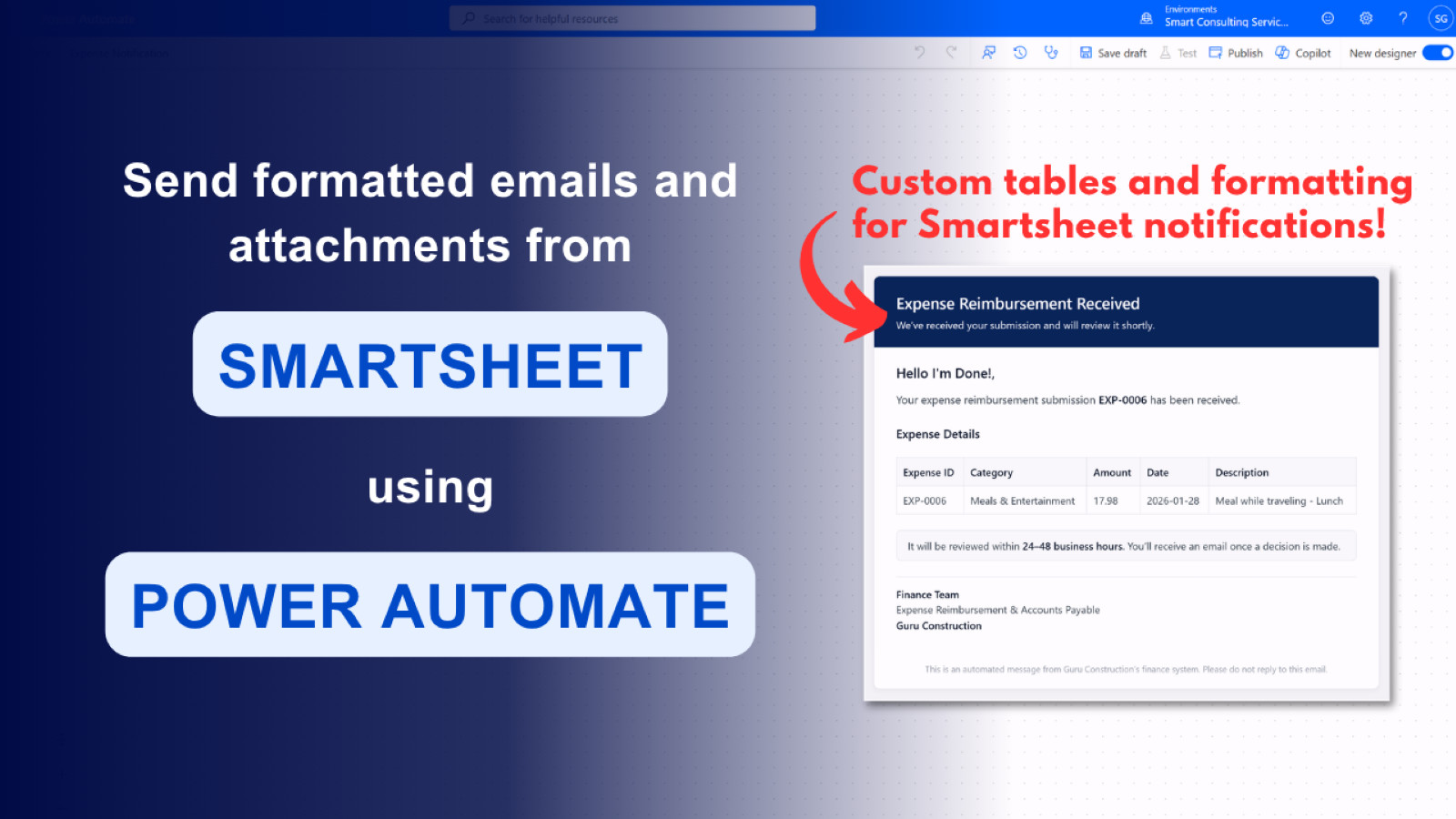
We’ve all been there. Crafted the perfect solution in Smartsheet, only to have our colleagues let down by the lack of customizable notifications. And you know what? Making your solution look nice is what sells it to the end users.
They don’t really care about how much time you put into all the fine technical details and getting all of your links to work. No, they will simply judge it by the email notification they receive from your solution and complain to you endlessly.
Instead of the stock “Smartsheet notifications can’t be customized” or “Smartsheet notifications can’t include attachments’. Give them what they want, and need. A professionally customized email that includes ONLY the relevant information, including attachments if you wish.
How is this possible? It’s very easy to do using Microsoft Power Automate and Outlook. So much so, that I released a course showing how to do this in less than 10 lessons!
