
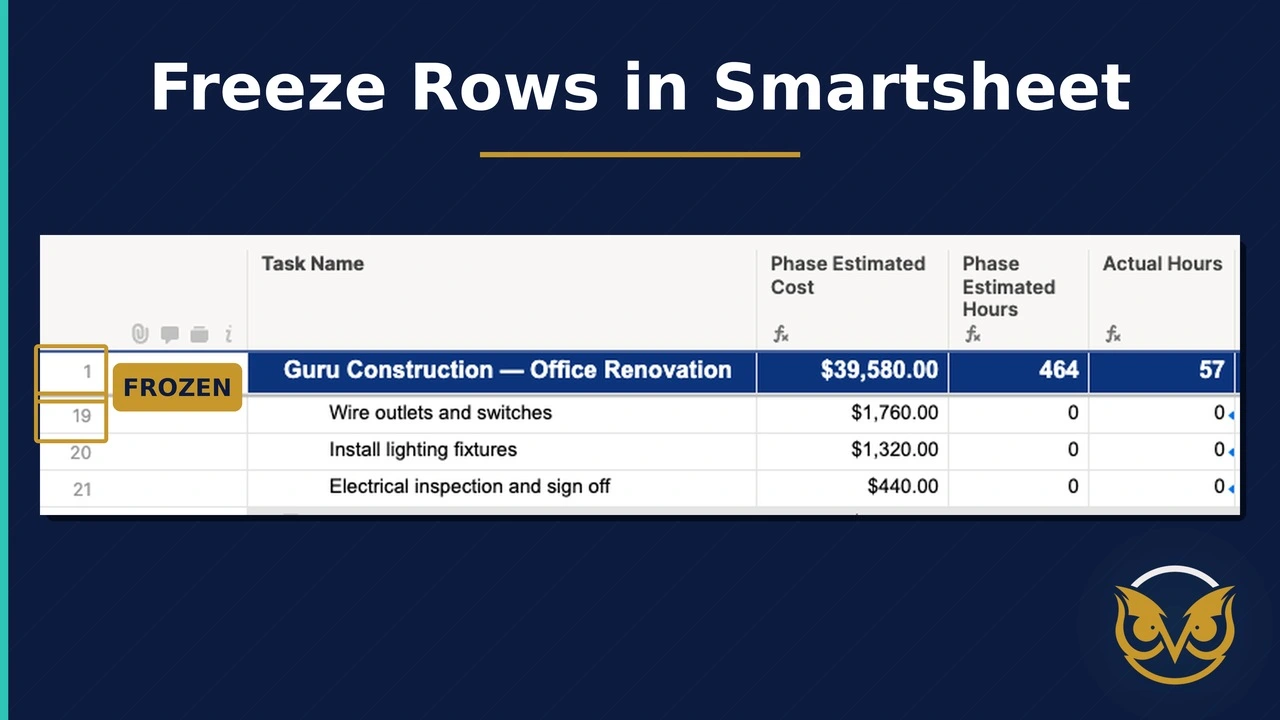
You’ve heard over and over that it’s not possible to freeze rows in Smartsheet. But now, you can show the world that yes, it can be done!
The SSFeatures browser extension for Smartsheet let’s you freeze one or multiple rows at the top of a sheet. Perfect for when you have a summary row at the top that is rolling up costs or hours. Or, even if you want to simple see the overall project start and end date at the top while you’re scrolling down your large project plan.
See it in action: