
Smart Workflow Guru has vetted SSFeatures and promotes their browser extension which adds productivity features into the browser based Smartsheet interface you already use.
FREE SSFeatures Trial
SSFeatures offers a generous 30 day trial with access to all features. No payment information required!
We’re sure you’ll find SSFeatures a huge time savings, so when you’re ready to sign up, use code GURU to save 20%
Smart Workflow Guru is an affiliate for SSFeatures, meaning we may earn a commission if you purchase a subscription
Below are most of the features included with SSFeatures
SSFeatures is under active development and adding more features!
-
Copy Cross-Sheet References in Smartsheet
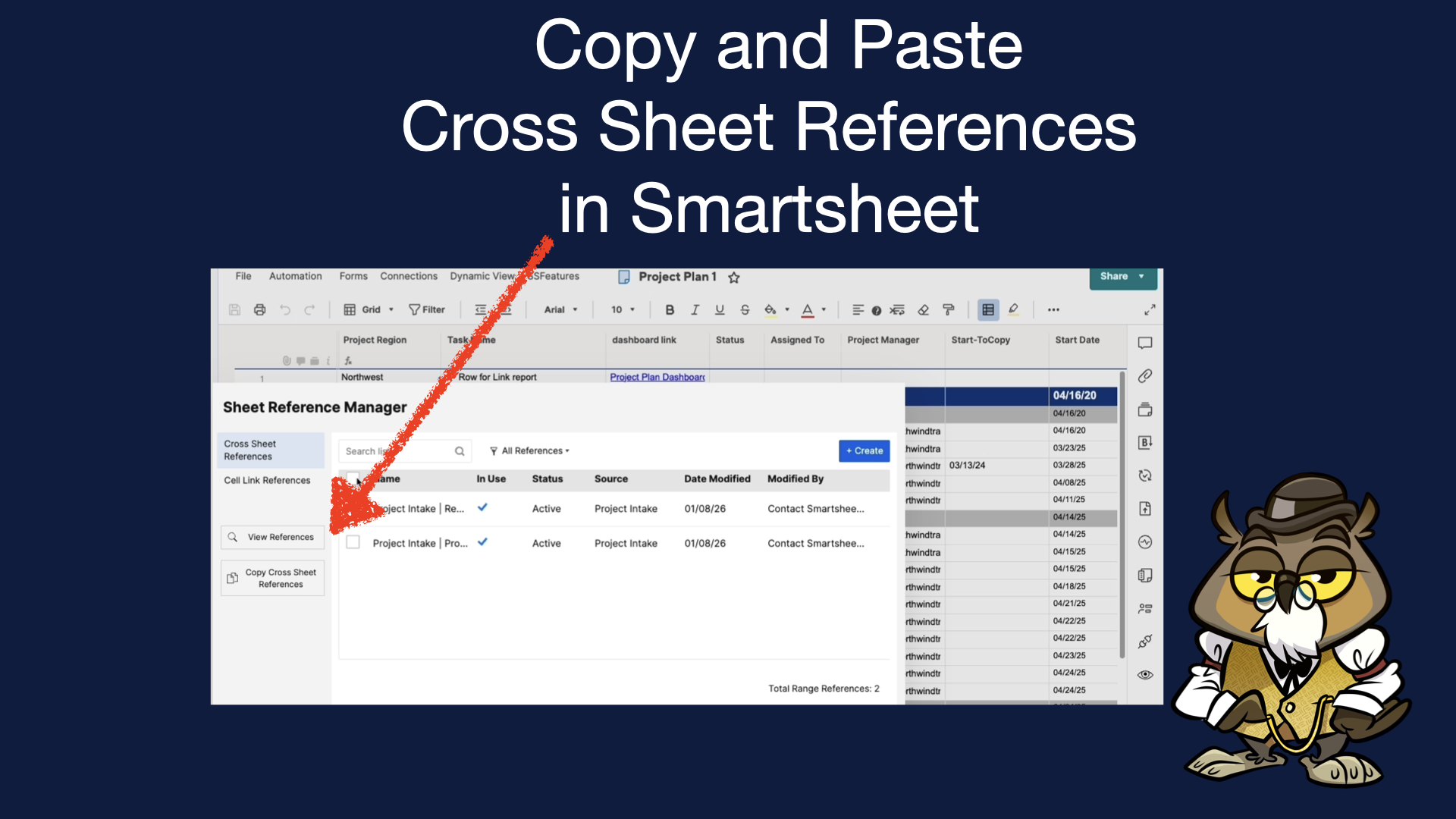
You’ve got your template or blueprint solution in Smartsheet, and now you need to update ALL your existing solutions with new a new cross-sheet reference that you just created in your template. Looks like it will be fully manual operation, but you’ve found SSFeatures, so you can simply copy and paste the new cross-sheet reference(s)
-
Copy or Duplicate Columns in Smartsheet
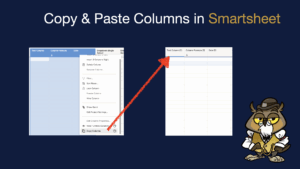
Ever been building out a solution in Smartsheet and wished you could copy and paste a column with its settings and column formula? And maybe you even wanted to do that to duplicate it to another sheet? How about you have a set of columns you want to add in bulk to several sheets? Easily
-
Smartsheet Column Descriptions in Reports
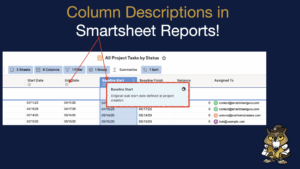
SSfeatures allows you to view columns descriptions from source sheets on report columns! Speaking of source sheets, as an added bonus you are able to easily access information about source sheets in Smartsheet reports such as the sheet id, sheet location and more! Quick demo showing all these great features here:
-
Import Excel Into Existing Sheet in Smartsheet
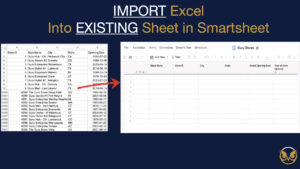
Want to import into an existing sheet in Smartsheet but don’t have any premium tools? SSFeatures is your ticket!
-
Copy Smartsheet Automation Workflows to Another Sheet

This feature is the likely the most advanced, sought after feature in SSFeatures. Currently Smartsheet does not offer a way to copy an automation workflow from one sheet to another, except for saving an existing sheet as a new one. This doesn’t work if you need to update an automation from a template to existing
-
Get Smartsheet Column IDs
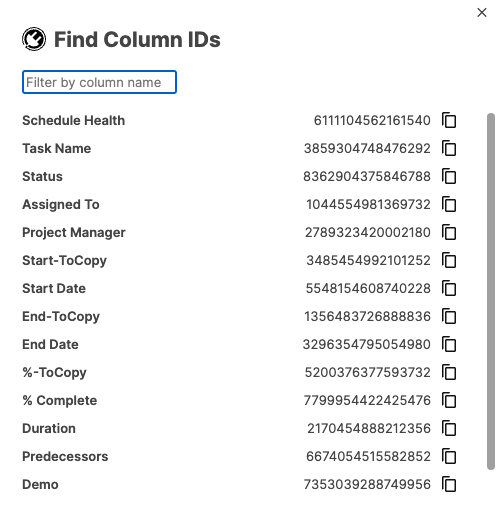
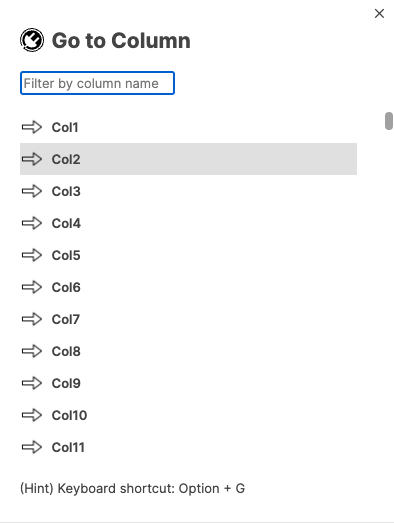
Need to get Smartsheet column IDs FAST? Just select “Find Column IDs” from the SSFeatures menu and you’ll have them in a mouse click. You can simply click the “Copy” button and it will be on your computer’s clipboard. Hundreds of columns in your sheet? No problem! the dialog box will let you search for
-
View Sheet and Report Stats in Smartsheet

Ever want to know how close you are to hitting Smartsheet’s row, column, or other limits? SSFeatures includes the ability to easily see the stats on a sheet and report. Just select “View Sheet Stats” or “view Report Stats” from the SSFeatures menu and you’ll see them!
-
Copy Conditional Formatting Rules in Smartsheet
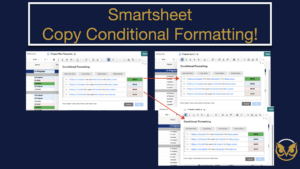
You can now copy conditional formatting rules from one sheet in Smartsheet to any number of other sheets! Also supported is the ability to copy format rules within the same sheet when they have the same condition and application column! See the demo here:
-
Smartsheet Unhide and Hide Specific Columns
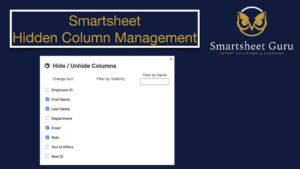
Struggling With Keeping Track of Hidden Columns in Smartsheet? You want to only unhide 1 or maybe just a few specific columns, but you have to first unhide ALL hidden columns, then rehide those that you want to remain hidden What’s the Solution? Smartsheet Guru is proud to be partnered with SSFeatures. With their browser
-
Smartsheet Grouped Report PDF
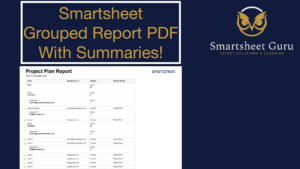
Have you ever wanted to export a grouped report in Smartsheet to a PDF But… the pdf export doesn’t maintain the grouped headings and summaries? What’s the Solution? Smartsheet Guru is proud to be partnered with SSFeatures. With their browser extension for Chrome, Edge, Firefox, and Safari you can make this wish a reality.
-
Smartsheet Spell Checker
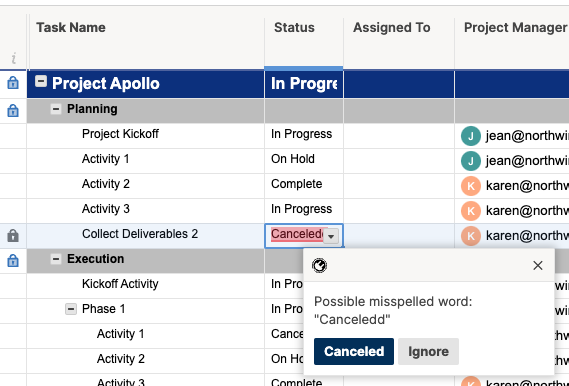
Have you ever wanted to have a live integrated spell checker in your Smartsheet sheets and reports? What’s the Solution? Smartsheet Guru is proud to be partnered with SSFeatures. With their browser extension for Chrome, Edge, Firefox, and Safari you can make this wish a reality. What Smartsheet plan is required to use the
-
Smartsheet Auto Sort Rows
Have you ever wanted to automatically have rows in your sheet sorted But… Smartsheet does not natively support auto sorting What’s the Solution? Smartsheet Guru is proud to be partnered with SSFeatures. With their browser extension for Chrome, Edge, Firefox, and Safari you can make this wish a reality. What Smartsheet plan is required
FREE SSFeatures Trial
SSFeatures offers a generous 30 day trial with access to all features. No payment information required!
We’re sure you’ll find SSFeatures a huge time savings, so when you’re ready to sign up, use code GURU to save 20%
Smart Workflow Guru is an affiliate for SSFeatures, meaning we may earn a commission if you purchase a subscription