
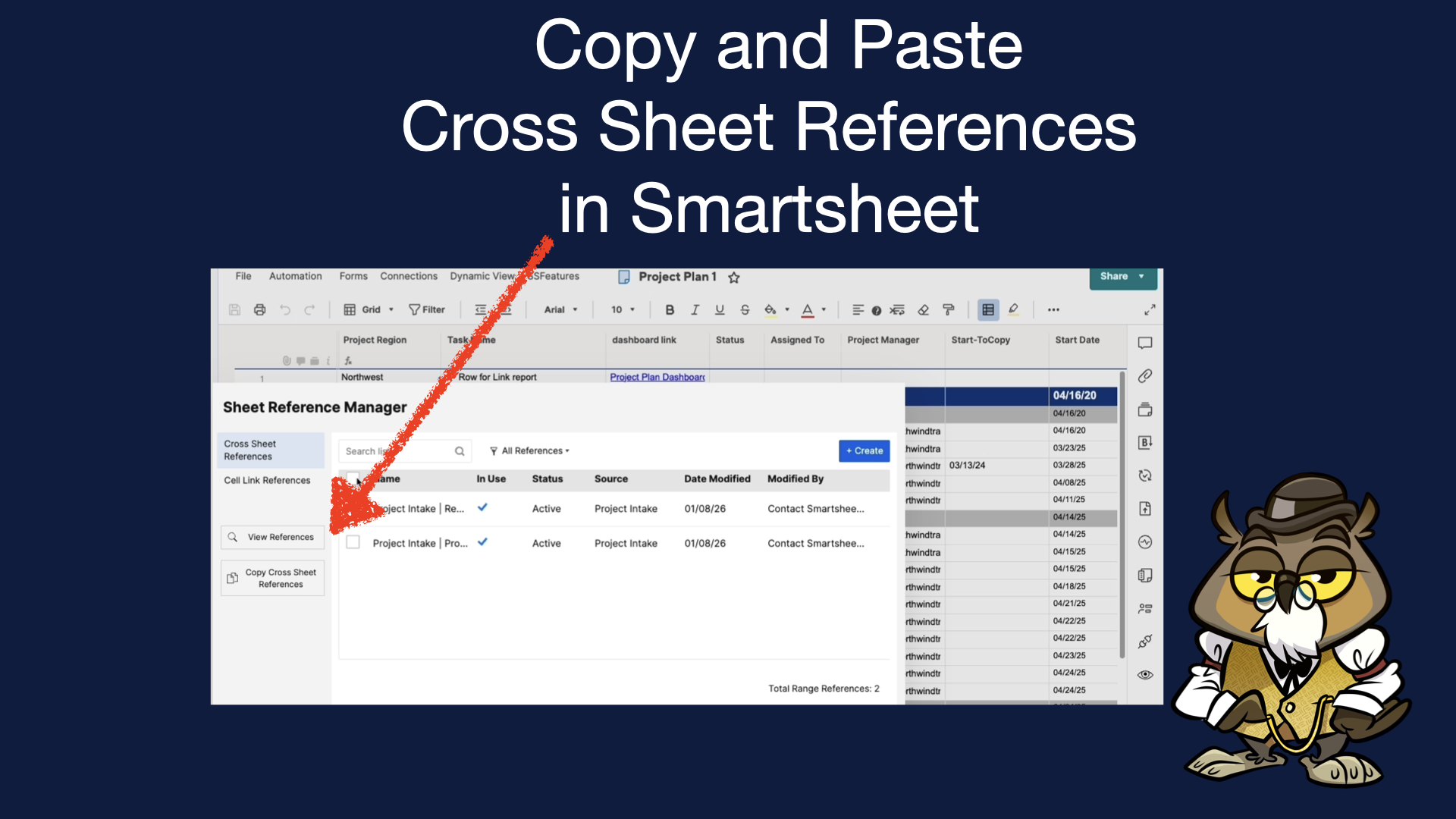
You’ve got your template or blueprint solution in Smartsheet, and now you need to update ALL your existing solutions with new a new cross-sheet reference that you just created in your template. Looks like it will be fully manual operation, but you’ve found SSFeatures, so you can simply copy and paste the new cross-sheet reference(s) to your existing sheets!
See a demo here:

Leave a Reply